
GammaCrop v1.8: Custom Dimensions and Full Persistence
By popular request from the Reddit community, GammaCrop now supports fully custom millimeter-based crop dimensions and remembers every setting of your workflow.
Supporting 3D Printed PLA Blanks
GammaCrop was originally hardcoded for the standard ceramic magnet sizes (50x70mm and 57x57mm). However, as a user pointed out in the r/eufyMakeOfficial subreddit, sourcing high-quality ceramic blanks can be difficult. They suggested adding a "Custom" dimensions input for people printing their own PLA blanks, and also asked if the tool could remember their 3mm Corner Radius setting to save time.
Many makers have started 3D printing their own magnet blanks out of PLA. Not only is this cheaper, but it also allows for entirely custom shapes and sizes to perfectly match their artwork.
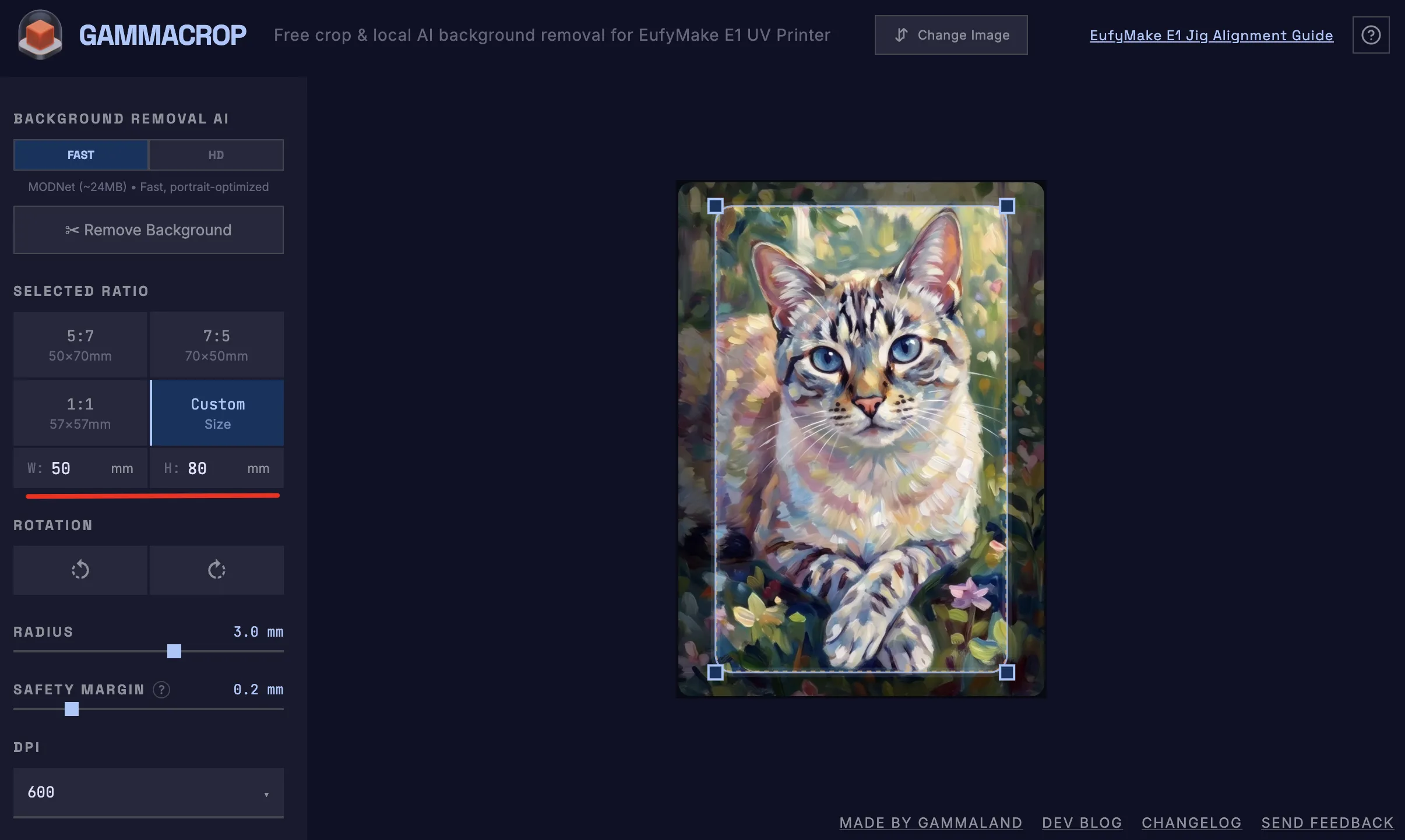
To support this, we've updated the tool UI to a 2x2 grid, making room for a new Custom option. Clicking it reveals two input fields for precise width and height in millimeters. The crop box instantly adapts, and the exported PNG maintains the exact embedded DPI metadata needed for EufyMake Studio to recognize the physical size.
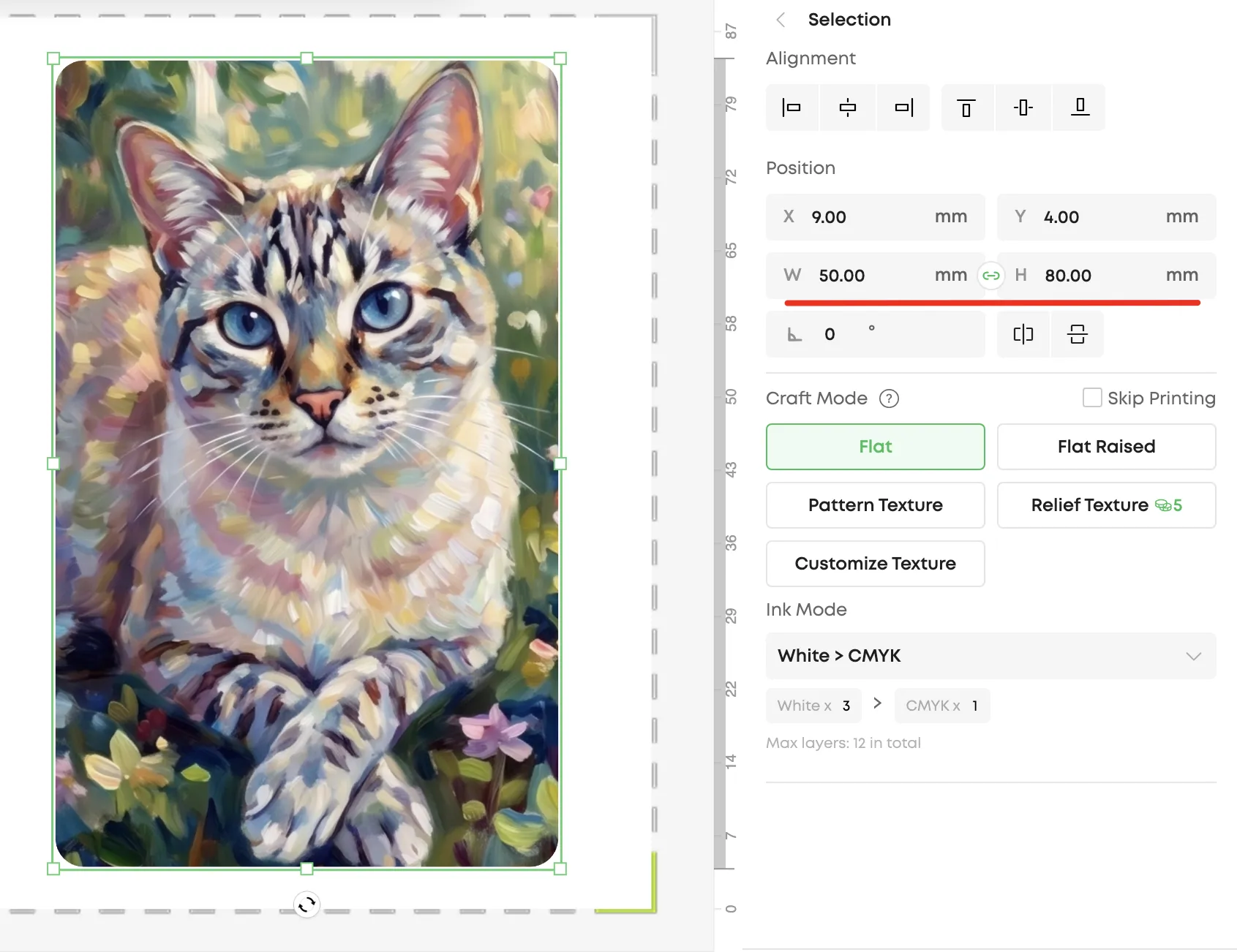
Full Workflow Persistence
We thought remembering just the Corner Radius was a great idea, but we decided to take it a step further. We've implemented full state persistence using your browser's local storage. GammaCrop now remembers your entire workflow:
- The exact Custom Dimensions you entered
- Your currently selected Ratio (or Custom mode)
- Your preferred Corner Radius
- Your Safety Margin
- Your preferred Export DPI
When you reload the page or return tomorrow, everything is exactly as you left it. Just drop an image in, and the crop box automatically snaps to your preferred dimensions and settings.